Running a business often feels like managing challenges on all fronts. You answer one customer email, and three more appear. You finally organize your inventory, and suddenly payroll is due. For founders and business owners, time is the rarest resource. You started your company to build a great product or offer a unique service, but you likely spend most of your day managing routine operational tasks.
Artificial intelligence has shifted from a futuristic concept to a practical tool that sits right on your desktop. A recent survey by Deloitte found that 85% of organizations have increased their AI investments over the past year. They are doing this to buy back their time. Strategic implementation of AI can take over the heavy lifting, handling repetitive workflows and freeing you up to focus on growth and strategy.
Reaching a point where 70% of your daily operations run automatically might sound impossible. But by breaking down your business into core functions and applying the right tools to each, you can build an engine that largely runs itself.
This guide will walk you through exactly how to identify bottlenecks, choose the right technology, and scale your operations without scaling your headcount.
Mapping Your Workflows: The First Step to Automation
You cannot automate what you do not understand. Before you can dream of a 70% automation rate, you need a crystal-clear picture of where your time and your team’s time actually goes. The first step is mapping out your daily, weekly, and monthly workflows.
How to Map Business Workflows
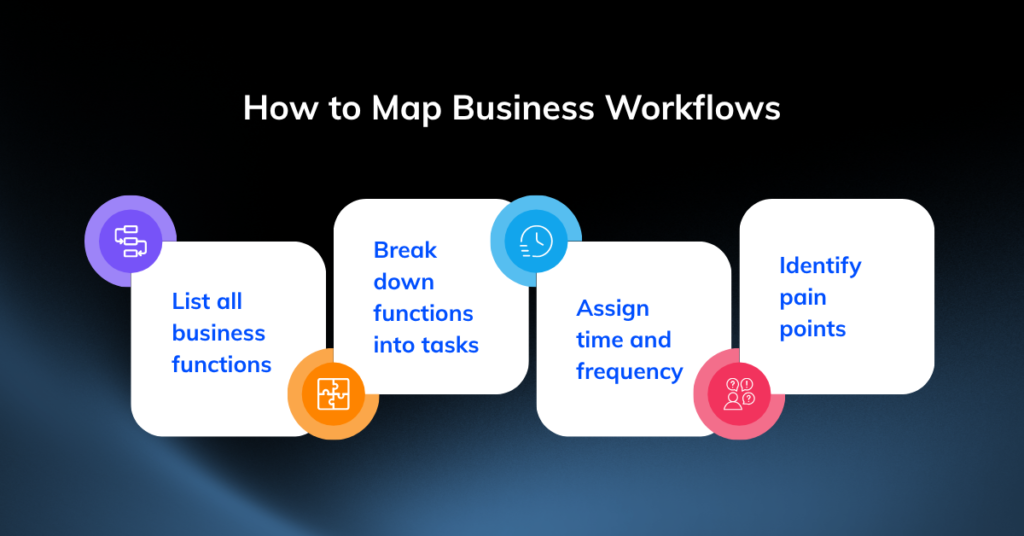
List all business functions: Start with broad categories like Marketing, Sales, HR, Finance, and Operations.
- Break down functions into tasks: Under Marketing, list tasks like “writing social media posts,” “creating email campaigns,” and “analyzing ad performance.” Be as granular as possible.
- Assign time and frequency: For each task, estimate how many hours are spent per week or month. Note who is responsible for the task.
- Identify pain points: Mark the tasks that are most repetitive, time-consuming, or prone to human error. These are your prime candidates for automation.
This exercise will produce a “heat map” of your business, showing you exactly where the operational friction lies. The areas glowing red with inefficiency are where you’ll start your automation journey.
Identifying Automatable Business Operations
With your workflow map in hand, you can now pinpoint specific areas ripe for AI integration. Here’s a breakdown of the core functions where AI can make the most significant impact.
Customer Service and Support
This is often the lowest-hanging fruit for AI automation. Modern AI-powered chatbots and virtual assistants can handle up to 80% of routine customer queries, providing instant answers 24/7.
- Routine Inquiries: Instead of paying human agents to reset passwords, track shipping updates, or answer frequently asked questions, you can deploy AI agents to resolve these issues instantly.
- Intelligent Routing: AI can analyze the customer’s initial query and automatically route them to the correct department or agent, saving time and reducing frustration.
- Sentiment Analysis: NLP tools can scan incoming tickets and social media mentions to gauge customer sentiment, allowing you to proactively address negative feedback before it escalates.
- Escalation Path: This allows your human support team to step in only for complex, emotionally sensitive escalations, where their empathy and problem-solving skills are most valuable.
Marketing and Sales
AI can drastically reduce the manual labor involved in finding, nurturing, and converting leads. It transforms marketing from a guessing game into a data-driven science.
- Lead Scoring: Sales automation tools can score leads based on their website behavior, email engagement, and firmographic data, allowing your sales team to focus on the hottest prospects.
- Personalized Campaigns: AI marketing platforms can dynamically adjust email sequences, ad copy, and website content based on user engagement and browsing history.
- Content Creation: Generative AI can draft social media posts, blog outlines, and email newsletters, significantly speeding up the content creation process.
- Automated Nurturing: You can automate your entire lead nurturing process so that your sales team only talks to prospects who have been educated and qualified by AI.
Human Resources
Hiring, onboarding, and routine HR management take a massive toll on management time. AI platforms can automate these workflows, making your HR processes more efficient.
- Recruitment: AI can screen resumes for keywords and qualifications, conduct initial skills assessments via chatbots, and automate the scheduling of interviews.
- Onboarding: AI-driven systems can guide new hires through company policies, compliance training, and introductory modules without requiring constant supervision from your HR team.
- Employee Queries: An internal HR chatbot can answer common employee questions about benefits, leave policies, and payroll, freeing up your HR staff for more strategic initiatives.
Finance and Accounting
Managing cash flow requires precision, but it shouldn’t require endless hours of manual data entry. AI tools are built to handle the repetitive, rules-based nature of financial administration.
- Invoice Processing: Using optical character recognition (OCR) and machine learning, these systems pull relevant data from receipts and invoices, automatically categorizing expenses and flagging discrepancies.
- Payroll and Expense Reporting: AI tools can handle payroll calculations, tax withholdings, and expense report approvals, reducing human error and ensuring compliance.
- Financial Forecasting: Machine learning models can analyze historical financial data and market trends to provide more accurate revenue and cash flow forecasts.
Operations and Logistics
If you sell physical products, AI is incredibly effective at managing complex supply chains and inventory levels.
- Demand Forecasting: Predictive algorithms analyze historical sales data, seasonal trends, and supplier lead times to forecast demand accurately. This prevents stockouts of popular items and eliminates the costs associated with holding excess inventory.
- Warehouse Management: AI-powered systems can optimize warehouse layouts, plan efficient picking routes for staff, and even power autonomous robots for sorting and moving inventory.
- Supplier Management: AI can monitor supplier performance, track lead times, and automatically flag potential disruptions in the supply chain.
The 70% Goal: Prioritizing High-Impact Areas
Do not try to automate everything at once. Start with the tasks that consume the most hours and require the least amount of critical thinking. A good rule of thumb is to automate processes that are:
- Repetitive: Performed the same way every time.
- Rules-based: Follow a clear set of logical steps.
- Prone to human error: Tasks like data entry or calculations.
Knocking out customer service and basic accounting first will give you the quick wins and cost savings needed to fund further, more complex automation projects.
Key AI Technologies for Business Automation
Understanding the categories of AI helps you choose the right software for your specific bottlenecks. You don’t need to be a software engineer to use these, but knowing the terminology helps you evaluate vendors.
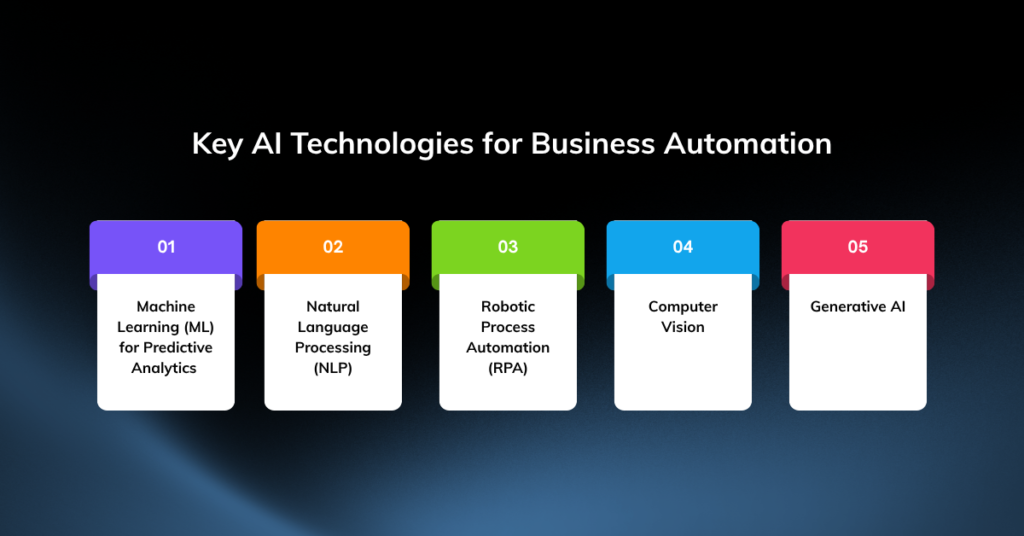
Machine Learning (ML) for Predictive Analytics
Machine learning involves systems that learn from data and improve over time without explicit programming.
- What it does: Analyzes past data to predict future outcomes.
- Business use cases: Forecasting sales, predicting customer churn, and optimizing pricing dynamically based on current market demand.
Natural Language Processing (NLP)
NLP allows computers to understand, interpret, and generate human language.
- What it does: Extracts meaning and intent from unstructured text and speech.
- Business use cases: Powering customer service chatbots, sorting emails, and analyzing customer feedback from surveys and reviews.
Robotic Process Automation (RPA)
RPA acts like a digital worker that mimics human actions on a computer.
- What it does: Follows a script to perform tasks like clicking buttons, copying and pasting text, and logging into applications.
- Business use cases: Moving data between two legacy systems that do not have a native API integration, or filling out forms automatically.
Computer Vision
Computer vision enables AI to derive information from digital images and videos.
- What it does: “Sees” and interprets visual information.
- Business use cases: In manufacturing and logistics, it’s used for quality control, automatically flagging defective products on an assembly line. Retailers use it to analyze in-store foot traffic.
Generative AI
Generative AI creates new, original content based on user prompts.
- What it does: Generates text, images, code, and other media.
- Business use cases: Tools like ChatGPT and Claude are heavily used for drafting marketing copy, summarizing meeting notes, writing code, and brainstorming product ideas. This technology accelerates the creative process, giving your team a solid first draft in seconds.
Overcoming Challenges in AI Automation
Transitioning to an automated business model is not without its friction. Acknowledging these hurdles early will help you navigate the process and avoid costly mistakes.
Data Quality and Availability
AI is only as smart as the data you feed it. If your customer records are messy, outdated, or scattered across multiple spreadsheets, your AI tools will generate inaccurate results.
- The Problem: “Garbage in, garbage out.”
- The Solution: Before implementing any AI system, invest time in cleaning and centralizing your data into a single source of truth, like a CRM or a data warehouse. This is a mandatory first step.
Ethical Considerations and Bias
AI models can unintentionally adopt and amplify biases present in their training data.
- The Problem: An automated resume screener might unfairly reject qualified candidates if it was trained on historical hiring data that favored specific demographics.
- The Solution: Regularly audit your automated systems for fairness and transparency. Implement human oversight in critical decision-making processes to catch and correct for algorithmic bias.
Employee Resistance and Skill Gaps
Your team might view AI as a threat to their jobs, leading to fear and resistance.
- The Problem: Employees worry about being replaced.
- The Solution: Clear communication is vital. Frame AI as a tool to remove the tedious, repetitive parts of their work, not to replace them. Invest in training programs to upskill your staff, helping them transition from doing manual tasks to managing the AI tools that perform those tasks.
Security and Privacy Concerns
Feeding proprietary business data into third-party AI tools carries inherent security risks.
- The Problem: Your confidential data could be exposed or misused.
- The Solution: Vet your vendors thoroughly. Ensure the platforms you use comply with relevant data protection regulations (like GDPR or CCPA). Always review vendor security policies to confirm they do not use your private company data to train their public AI models.
Cost of Implementation and ROI Justification
Enterprise AI tools can carry hefty subscription fees, and custom solutions can be expensive to build.
- The Problem: High upfront costs and unclear returns.
- The Solution: Start with a small pilot program to prove the concept and measure the return on investment (ROI). Track metrics like hours saved, reduction in errors, or increase in leads generated. Use this data to build a business case for a larger rollout.
The Future of Business Automation with AI
The tools available today are just the beginning. The landscape is shifting at an incredible pace, and staying informed will be key to keeping your business competitive.
Emerging Trends and Technologies
We are rapidly moving toward a world of autonomous AI agents that can execute multi-step, complex tasks without direct human prompting.
- Near Future: Imagine asking an AI agent to “find our top three competitors, analyze their marketing strategies, draft a counter-campaign, build the landing page, and launch the ads.” This level of autonomy is just around the corner.
- Hyper-Personalization: AI will enable a degree of personalization that is impossible today, tailoring every customer interaction, product recommendation, and marketing message to the individual’s real-time needs.
The New Role of Humans: Human-AI Collaboration
The goal is not a completely human-less company. The future belongs to businesses that master the art of human-AI collaboration, pairing machine efficiency with human creativity, strategy, and empathy.
- Humans as Strategists: As AI takes over execution, humans will transition into roles focused on high-level strategy, creative problem-solving, and relationship building.
- Humans as Exception Handlers: AI will manage the 99% of routine cases, freeing up humans to handle the 1% of novel, complex, or emotionally charged exceptions that require a human touch.
Preparing for an Automated Future
To thrive in this new environment, business leaders must foster a culture of adaptability and continuous learning.
- Encourage Experimentation: Give your team the freedom to experiment with new AI tools in a low-stakes environment.
- Document Everything: Maintain clear, up-to-date documentation of all your current processes. This makes it much easier to identify where a new automation tool can be plugged in for maximum impact.
- Invest in Skills: Focus on training your team in skills that AI cannot easily replicate: critical thinking, creativity, emotional intelligence, and complex communication.
Embracing AI for Sustainable Growth
Achieving 70% automation is a marathon, not a sprint. It requires patience, clean data, and a fundamental willingness to rethink how work gets done. By systematically identifying repetitive tasks, deploying the right technologies, and guiding your team through the transition, you can build a highly efficient, scalable, and resilient business.
The companies that succeed over the next decade will be the ones that use AI to buy back their most valuable asset: time. This will allow founders and their teams to focus entirely on what truly matters. They can build better products and drive meaningful innovation.
By automating up to 70 percent of routine tasks, you significantly reduce operational costs, minimize human error, and free your team to concentrate on creative and strategic work that actually moves the business forward. Whether it is OCR for invoice processing, NLP‑powered chatbots for tier‑one customer support, or machine learning models to forecast supply chain needs, the tools are already available and proven.
Partner with Enlight Lab and leverage expert AI Consulting Services to empower your team, build an intelligent business, and scale seamlessly without limits.