How Do They Work?
No-code AI platforms use visual interfaces and pre-built components to simplify the process of building AI applications. These platforms typically have three main components:
-
- Data Management: This component allows users to upload or connect their data sources, clean and transform the data, and create pipelines for preprocessing.
-
- Model Building: In this component, users can select from a variety of machine learning algorithms or use automated machine learning (AutoML) functionality to build their models. The platform also provides tools for model validation and visualization.
-
- Deployment: Once the model has been built, users can easily deploy it on various platforms such as cloud services or mobile devices. These platforms often have built-in tools for monitoring and managing deployed models.
The Core Advantages of Adopting AI Tools Without Coding
Why is the no-code movement gaining so much momentum? The return on investment (ROI) is undeniable, especially for startups and agile businesses.
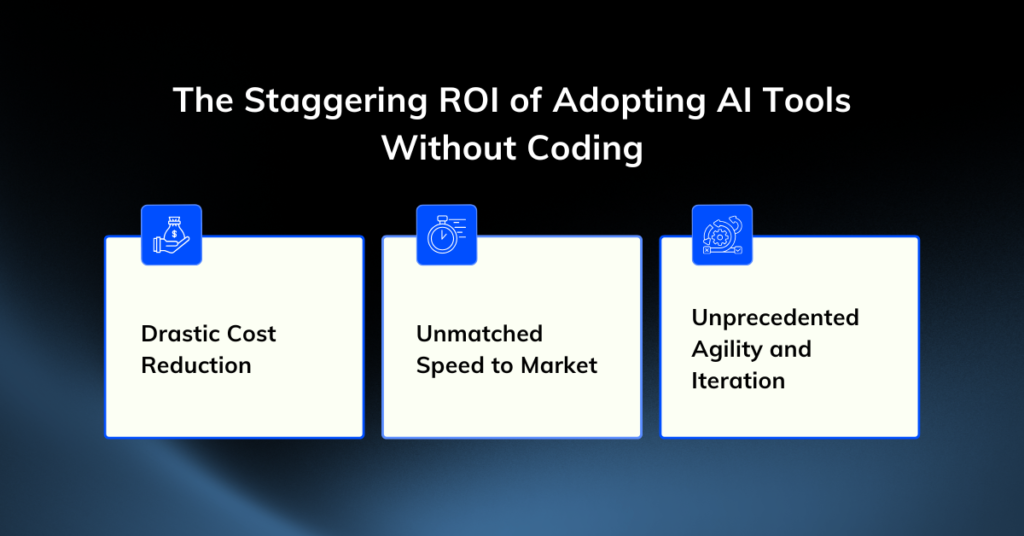
Here are the key benefits of using AI no-code tools:
Improved Accessibility for Non-Technical Users
Software creation historically excluded anyone who could not read syntax. AI no-code tools tear down that barrier by using natural language processing.
Operations managers, marketers, and founders simply describe the business logic they need, and the AI platform translates those instructions into working infrastructure. This democratization allows the people closest to the business problem to build the actual solution.
Rapid Prototyping and Deployment
Traditional development cycles involve wireframing, frontend coding, backend configuration, and deployment. AI-driven platforms compress this timeline from months to hours.
An AI application builder configures the database, handles user authentication, and deploys the application simultaneously. You can test your minimum viable product (MVP) with real users the same day you conceive the idea.
Proven Cost-Effectiveness
Hiring a full-stack developer or an external agency requires a massive financial investment. AI platforms operate on flat monthly subscriptions, typically ranging from $20 to $50.
By eliminating the need for expensive per-seat software licenses and dedicated engineering hours, small businesses drastically reduce their operational overhead while retaining full ownership of their internal tools.
High Scalability and Flexibility
Modern businesses pivot rapidly, and their software must keep up. Traditional codebases become rigid and expensive to alter.
Visual workflow platforms allow you to drag, drop, and reconnect modules in real time. When your business processes change, you simply adjust the natural language prompt or rearrange the visual nodes to deploy an updated version of your application instantly.
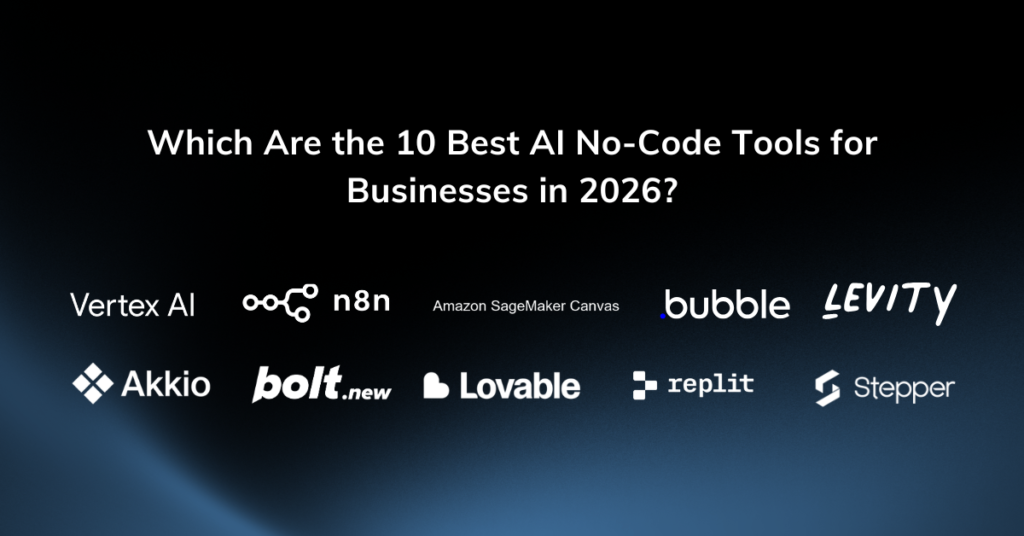
Which Are the 10 Best AI No-Code Tools for Businesses in 2026?
1. Google Cloud Vertex AI
Vertex AI offers a no-code graphical user interface (GUI) to access the power of Google’s advanced foundation models and AutoML capabilities. It’s designed for data-heavy businesses that need to build sophisticated models without a deep bench of AI engineers.
-
- Key Features: Access to Google’s foundation models (like Gemini), no-code interface for training custom models, powerful image and text analysis tools.
-
- Use Cases: Building custom image recognition models to categorize a massive product catalog, analyzing customer sentiment from reviews at scale, and creating custom text classification models.
-
- Pros: Leverages Google’s state-of-the-art AI research, highly scalable and powerful, provides a bridge between no-code and more advanced AI development.
-
- Cons: Can be more complex and costly than other tools on this list, better suited for users with some data analysis knowledge.
-
- Best for: Data-heavy Businesses want to perform advanced AI tasks.
2. n8n
n8n is a secure, node-based workflow automation tool that allows technical users to self-host their infrastructure. This is effective in keeping sensitive data entirely on their own servers.
-
- Key Features: Self-hosted options, custom JavaScript/Python nodes, and an AI workflow builder.
-
- Use Cases: Enterprise IT automations and privacy-compliant data syncing.
-
- Pros: Complete control over data privacy and infrastructure execution.
-
- Cons: Setting up the self-hosted version requires DevOps knowledge and server management skills.
-
- Best for: Complex automation workflows
3. Amazon SageMaker Canvas
Amazon SageMaker Canvas is designed specifically for business analysts, providing a visual, no-code interface to build machine learning models and generate predictions. It uses a familiar spreadsheet-like UI, allowing analysts to leverage AWS’s powerful data infrastructure without needing a data science background.
-
- Key Features: Spreadsheet-like user interface, direct integration with AWS data sources (like S3 and Redshift), automated model building for forecasting and classification.
-
- Use Cases: Building sales forecasting models based on historical sales data, creating predictive models for inventory management, and analyzing customer data to identify trends.
-
- Pros: Empowers business analysts to perform data science tasks, seamlessly integrates with existing AWS data, intuitive for anyone comfortable with spreadsheets.
-
- Cons: Best for companies already using AWS for their data storage, might be overkill for businesses with simple data needs.
-
- Best for: Business analysts working within the AWS ecosystem
4. Bubble
Bubble is a powerful AI no-code tool for complex enterprise logic. It is legacy titan of visual development. While newer platforms rely entirely on AI generation, Bubble offers a granular visual logic system that handles extreme edge cases.
-
- Key Features: Pixel-perfect visual editor, complex conditional workflows, and extensive plugin marketplace.
-
- Use Cases: Two-sided marketplaces, complex SaaS platforms, and enterprise internal tools.
-
- Pros: It can build almost anything a traditional coding team can build.
-
- Cons: The learning curve feels like a vertical wall. Expect to spend two to three months mastering the platform.
-
- Best for: Building AI-powered web apps
5. Levity
Levity is an AI platform tailored for B2B operations, specializing in automating tasks related to unstructured documents and communications. It excels at classifying emails, extracting data from invoices or contracts, and routing information to the right place.
-
- Key Features: AI models for text classification and data extraction, template-free document processing, seamless integration with email and cloud storage.
-
- Use Cases: Automating invoice processing by extracting key data, classifying and routing incoming support emails, and sorting and tagging legal documents.
-
- Pros: Solves a major pain point for operations teams dealing with high volumes of documents, highly accurate data extraction, reduces manual data entry errors.
-
- Cons: Setup can require careful planning to define classification logic, best suited for text-heavy workflows.
-
- Best for: Operations-heavy businesses looking to automate the handling of emails, PDFs, and other unstructured documents.
6. Akkio
Akkio democratizes predictive analytics, allowing businesses to leverage their historical data to forecast future outcomes without needing a data scientist. Through its simple visual interface, users can build, train, and deploy machine learning models for various business predictions.
-
- Key Features: User-friendly visual interface, automated machine learning (AutoML), lead scoring and churn prediction models, easy data integration.
-
- Use Cases: Forecasting future sales revenue, identifying high-value leads likely to convert, and predicting which customers are at risk of churning.
-
- Pros: Makes predictive analytics accessible to non-technical users, provides actionable insights quickly, integrates easily with existing data sources.
-
- Cons: Model accuracy depends heavily on the quality of the input data, may not be suitable for extremely complex statistical modeling.
-
- Best for: Quick data insights.
7. Bolt.new
Bolt.new generates code directly in your browser. It acts as an advanced sandbox where you can watch the AI write the code and render the application instantly. It provides multi-framework flexibility for developers.
-
- Key Features: Multi-framework support (React, Vue, Svelte), in-browser IDE, and instant .bolt.host deployments.
-
- Use Cases: Quick UI prototypes, landing pages, and frontend component generation.
-
- Pros: Exceptionally fast prototyping with highly customizable framework options.
-
- Cons: It lacks a built-in database. You must configure external services for any application that requires data persistence.
-
- Best for: AI-powered full stack app development & rapid prototyping
8. Lovable
Lovable excels at generating gorgeous, production-ready React components using modern styling libraries. It writes code that human engineers actually enjoy reading.
-
- Key Features: Clean React and TypeScript generation, Supabase integration, and interactive visual editing.
-
- Use Cases: High-fidelity UI prototyping and frontend handoffs to engineering teams.
-
- Pros: Beautiful design defaults and highly maintainable code exports.
-
- Cons: Supabase configuration (including Row Level Security policies) requires genuine technical knowledge to launch successfully.
-
- Best for: Frontend designers generating React code
9. Replit Agent
Replit Agent operates as a highly autonomous AI developer living inside a powerful cloud workspace. You give it a goal, and it tests its own code until the application works.
-
- Key Features: Built-in PostgreSQL databases, 30+ native integrations (Stripe, Slack), and autonomous debugging.
-
- Use Cases: Complex web applications requiring third-party API connections.
-
- Pros: A truly full-stack environment that eliminates local machine setup.
-
- Cons: Effort-based pricing means complex debugging loops can cost up to $100 in a single day.
-
- Best for: Cloud IDE automation
10. Stepper
Stepper blends a conversational AI interface with a visual drag-and-drop canvas. Additionally, it simplifies AI-native workflow automation. You tell the platform what you want to automate, and it builds the workflow draft for you.
-
- Key Features: Reusable logic components, plain-English workflow generation, and a generous free tier.
-
- Use Cases: Lead routing, support ticket triage, and automated data entry.
-
- Pros: Component reusability saves hours of redundant work. You fix a bug in one component, and it updates across all workflows.
-
- Cons: Team management features are still evolving compared to legacy enterprise platforms.
-
- Best for: AI-driven workflow automation
How Do You Choose the Right AI No-Code Tool for Your Business?
Selecting the best AI no-code tool requires careful consideration of your business’s unique needs, technical capabilities, and long-term goals. The right platform will not only automate your current workflows but also scale with you as your business evolves. Here are the right approach to opt for the effective AI no-code platform:
Assess Your Specific Business Needs
Begin by defining the exact problem.
If you need a fully functional client portal and you lack coding skills, a vertically integrated Bolt.new is your best option.
If you are a developer looking to speed up your React workflow, Lovable will serve you better.
Choose the platform built specifically for your technical baseline.
Evaluate Features and Integrations
Never assume a platform integrates deeply with your existing software stack. Check the specific actions supported by the tool.
For example, verify if an automation platform can update an existing Salesforce record, or if it can only create new ones. Additionally, ensure the tool handles data persistence if your application requires user logins or saved information.
Consider Long-Term Scalability and Support
Usage-based pricing models look incredibly cheap on day one but become massive liabilities at scale. Evaluate how the platform charges for success. Pick a platform that accommodates your projected one-year growth without breaking the budget.
What Are the Future Trends in AI No-Code Development?
Upcoming Advancements in AI Capabilities
The next iteration of AI development shifts from simple code generation to autonomous agentic action. Future platforms will actively monitor your business data, identify inefficiencies, and proactively suggest or build new applications to solve problems you haven’t even noticed yet.
Industry Transformation Through Increased Adoption
We expect highly regulated industries like healthcare and finance to adopt specialized visual builders that natively guarantee HIPAA and SOC2 compliance. This shift means medical practices and accounting firms will build bespoke patient management and billing tools internally, moving away from rigid, one-size-fits-all enterprise software.
Ethical Considerations for Responsible AI Usage
As businesses rely more heavily on autonomous AI applications, data governance becomes critical. Companies must ensure their AI builders do not inadvertently expose sensitive customer data or execute biased logic. Clear human-in-the-loop systems, like those offered by Relay.app, will become standard requirements for enterprise IT security.
Empowering Your Business with AI No-Code Tools
The technical barrier to entry has officially collapsed. You no longer need to rely on expensive engineering teams to bring your operational visions to life.
By adopting the right AI no-code tools, you give yourself the power to prototype quickly, automate tedious tasks, and scale your business operations with unprecedented speed.
Whether you’re a non-technical founder with a vision or a CTO aiming to accelerate your roadmap, the power to create is at your fingertips. Make your move to start building today.
The tools are ready. The only missing component is your idea. Book a free 15-minute strategy call with Enlight Lab to discover the perfect tools for your business.